Implementing TruEnroll Across Multiple Slate Instances

John Sherman
March 30, 2026
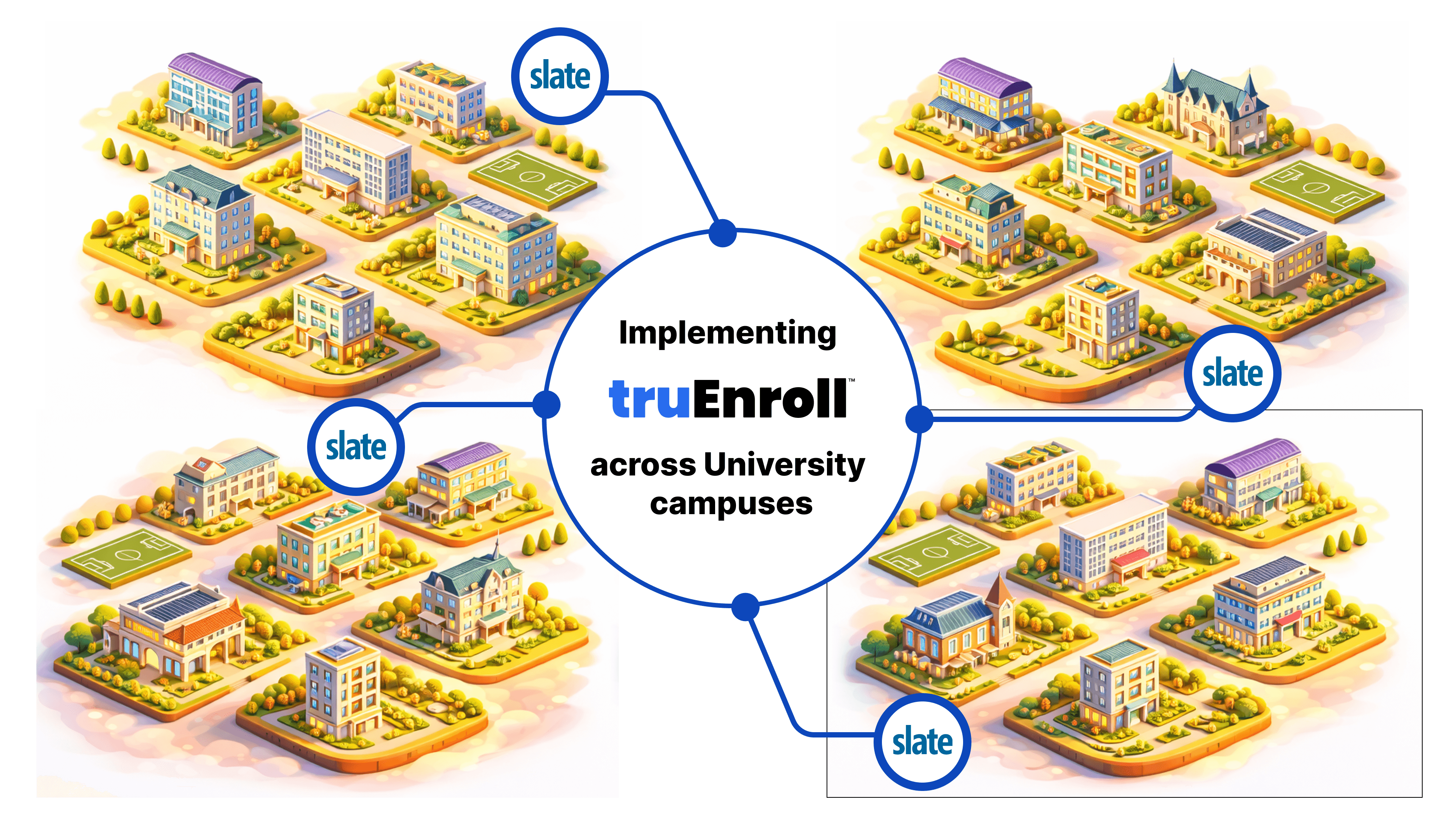
Universities operating multiple campuses often manage several distinct Slate instances to maintain departmental or regional autonomy. To address this, TruEnroll offers a flexible, multi-tenant architecture designed specifically for large, multi-campus university systems.
Depending on your university's governance model, you can implement TruEnroll in one of two ways:
1. Multi-Tenant Account Structure
For institutions requiring strict data separation, TruEnroll can be deployed as separate accounts for each campus. This setup ensures:
Campus-Specific Governance: Each campus can define its own unique evaluation rules, such as GPA thresholds and program-specific criteria.
Independent Policy Configuration: Campuses have the autonomy to set up their own policies for weighted GPA calculations and residency requirements.
Tailored Workflow Routing: Each instance can have its own automated triggers and routing rules based on local administrative needs.
2. Integration Across Multiple Instances
Alternatively, TruEnroll’s modular API design allows a single centralized engine to integrate across multiple Slate instances. This approach provides:
Centralized Intelligence: Use a single extraction and translation engine while pushing validated data to different Slate environments.
Standardized Outcomes: Ensure consistency and fairness across the entire university system through a single audit trail and shared grading scales.
Streamlined Reporting: Maintain real-time visibility into processing volumes and turnaround times across all campuses through a unified analytics dashboard.
Implementation Support
TruEnroll is a Slate Preferred Partner and utilizes an embedded widget to facilitate these integrations. Regardless of the chosen structure, the implementation includes:
Discovery & Setup: Defining field mapping requirements and configuring Single Sign-On (SSO) for each instance.
Customized Configuration: Incorporating campus-wise standards and rules into the workflow at no extra cost.
Dedicated Support: A Customer Success Manager to assist with multi-campus synchronization and ongoing training.